Salesforce
Salesforce sync: what “good” looks like
A clear way to log website meetings in Salesforce so reps see the full story and your data stays clean.
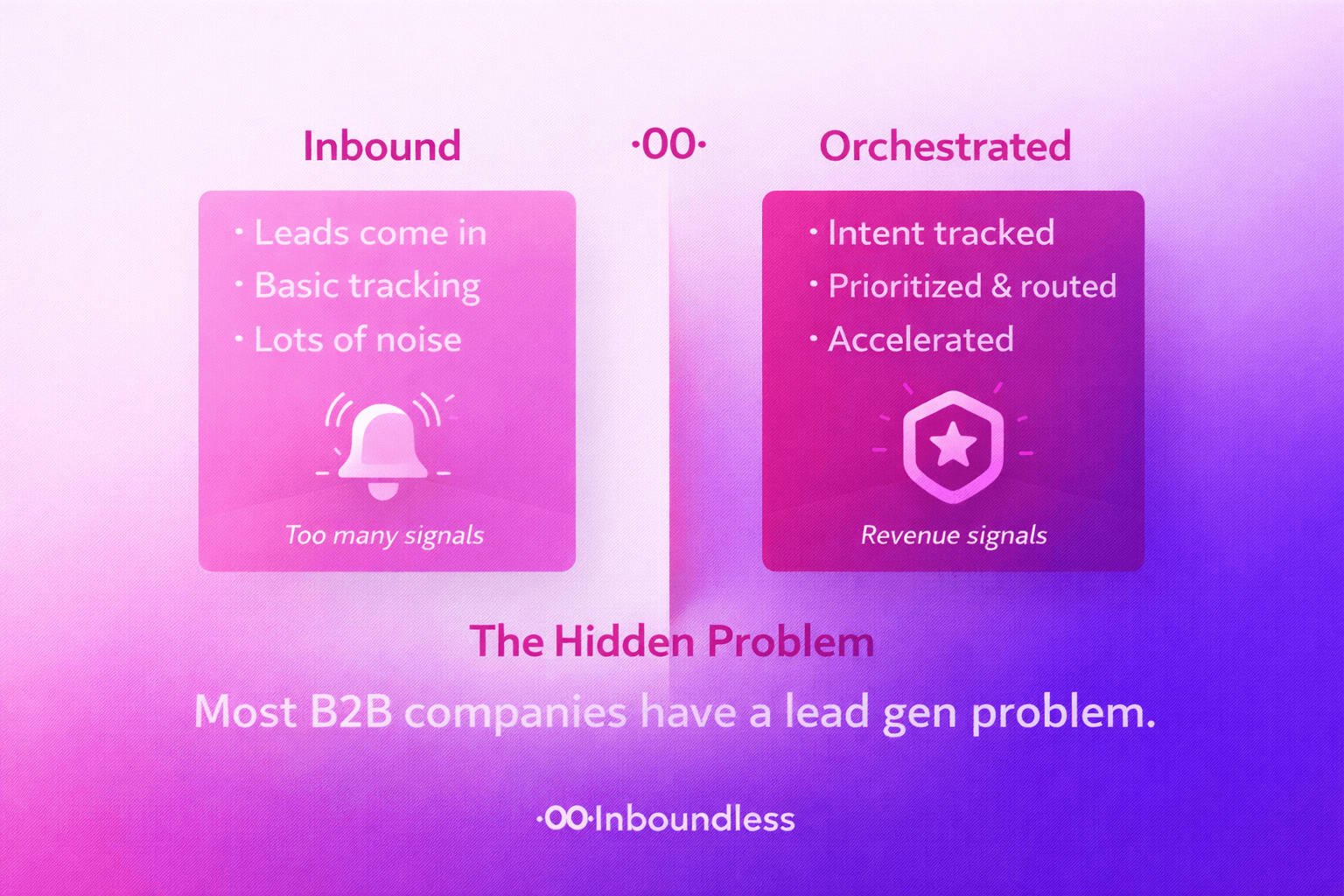
When website forms or chat send messy data into Salesforce, reps lose trust and stop using it. The fix is simple: always create or update one clear Lead, plus one Event for the meeting.
With this pattern, anyone can open the record and instantly see who booked, why, and how they came to you.
1. Create a clean Lead
For each new meeting from the website:
- Search by email first. If a Lead already exists, reuse it.
- If not, create one Lead with name, company, email and role.
- Set Lead Source to something like “Inbound Website”.
- Copy the visitor’s own words about their need into Description.
2. Attach an Event for the meeting
Next, create an Event linked to that Lead:
- Use a clear subject like “Website demo booked”.
- Store the start and end time.
- Add the video link or location.
- Include a short summary of pages visited and key details.
Now the rep sees not just a calendar invite but the full context of how the buyer arrived.
3. Keep rules light but clear
Before going live, agree on:
- Which Lead Status values you will use for website leads.
- When to create a new Lead vs. attach to an existing Contact.
- Which fields are required and which are optional.
This keeps reporting simple and avoids long clean‑up projects later.