Inbound Playbook
From traffic to pipeline: a modern inbound playbook
How to turn website visitors into good sales conversations and booked meetings.
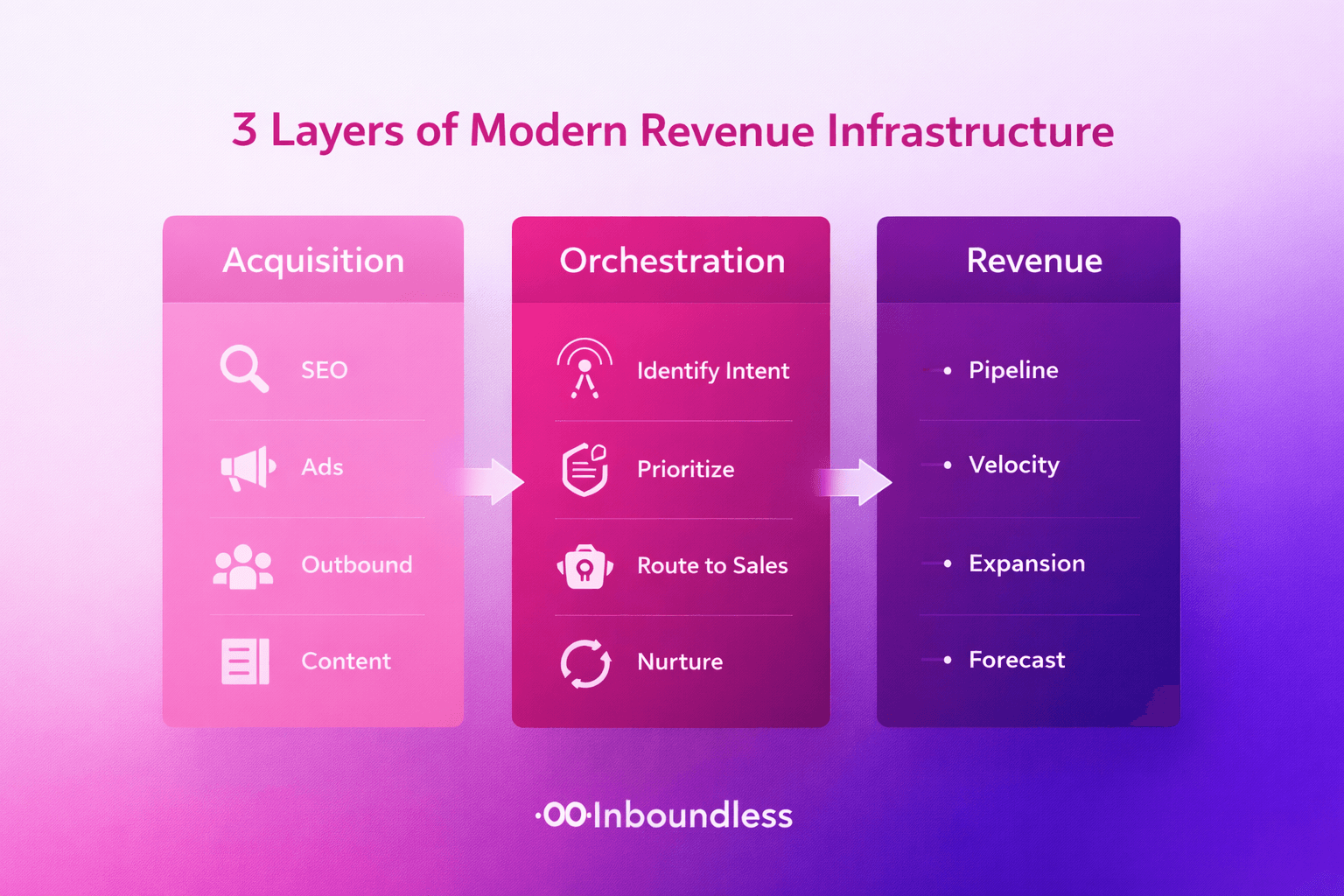
Today, most buyers prefer to read and compare tools on their own. They only want to talk to sales when they are already interested. Your website has to catch this moment.
This playbook gives you a simple way to do that: welcome visitors, ask a few light questions, and offer an easy path to book a meeting with the right person.
1. Put the assistant on key pages
Do not start with your whole site. Start with:
- Pricing
- Your main product page
- Comparison or “Why us” pages
On these pages, visitors are close to raising their hand. The assistant should say hello, answer basic questions, and offer “Talk to sales” when it feels right.
2. Ask only a few questions
You usually only need:
- Name
- Work email
- Company name
- One short question like “What are you looking for?”
This is enough to decide if the lead should talk to sales now or later, and which rep should own it.
3. Let visitors book in the same flow
The assistant should show real calendar slots for the right rep and confirm the meeting on the spot. No extra forms, no extra tools.
After that, the meeting, lead and notes can be sent to your CRM and Slack so the team is ready.
4. Track a few simple numbers
To see if the playbook works, look at:
- How many visitors start a chat.
- How many chats turn into meetings.
- Which pages bring the best meetings.
If these numbers go up, your inbound motion is getting stronger without sending more cold emails.