Website experience
From forms to conversations
How to turn your “Contact us” wall into a friendly assistant that starts real discussions.
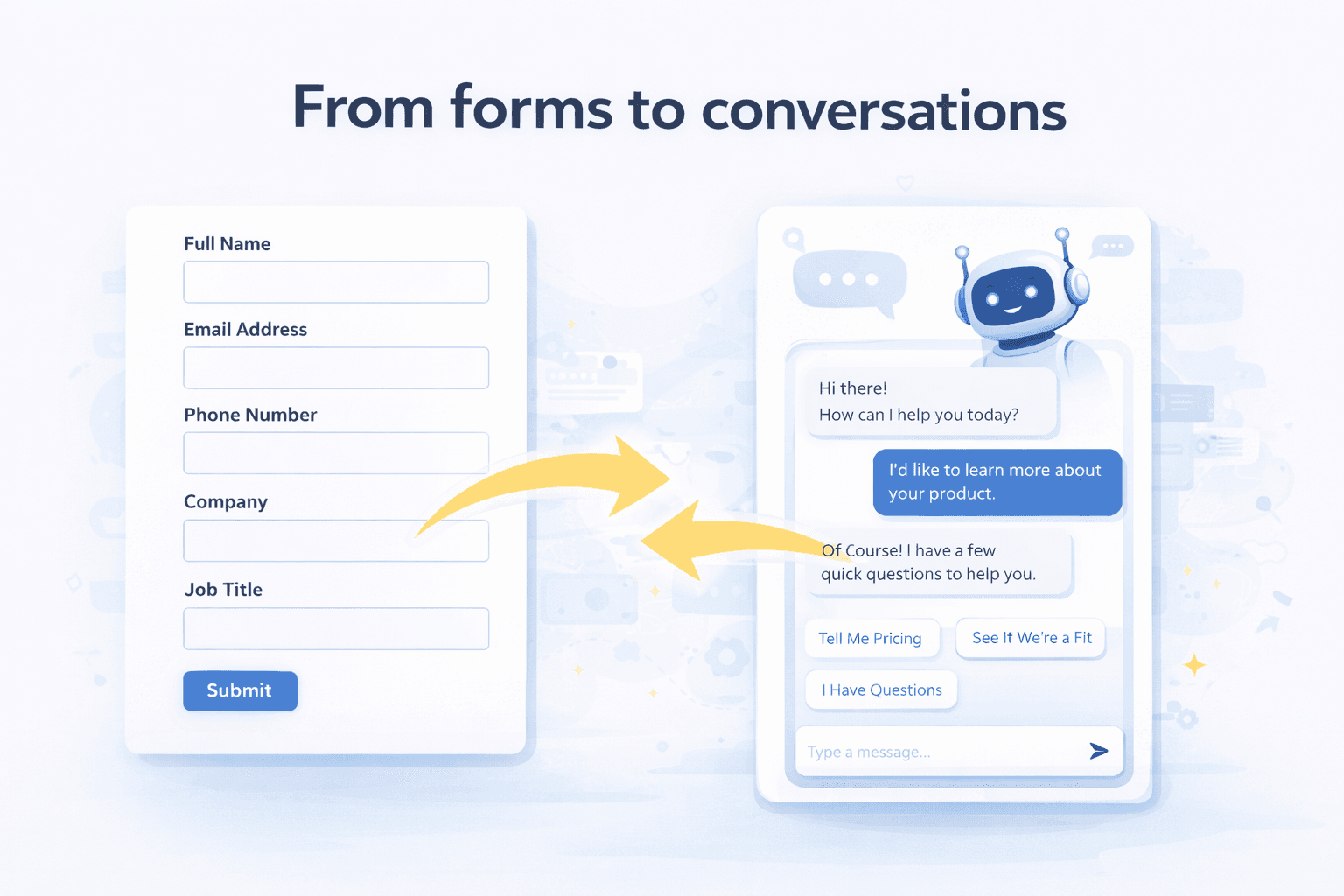
Long forms scare people away. Many visitors do not want to fill ten fields without even knowing if your product is a fit. For marketing, this means a lot of paid and organic traffic that never turns into a real conversation. For sales, it means fewer chances to speak with buyers who were actually interested.
Moving from forms to conversations does not mean deleting every form overnight. It means letting the assistant do the first part of the job: welcome visitors, check if there is a match, and then collect just enough information to book a good meeting.
- Marketing keeps the traffic, but turns more of it into real conversations.
- Sales gets meetings where the need and context are already clear.
- Visitors feel like they are talking to someone, not filling a survey.
What changes for marketing
For marketing, conversations unlock more value from the traffic you already have:
- More visitors engage on pricing and product pages instead of bouncing at a long form.
- You see which campaigns and pages start the best conversations, not only which ones get clicks.
- You can offer different paths on the same page: quick questions, demo request, or classic form.
The result is a website that feels more complete and helpful, without forcing everyone into the same rigid form.
What changes for sales
For sales, conversations mean better meetings instead of more admin:
- Each meeting comes with clear answers to a few simple questions (company, role, problem), not just a form submit.
- The assistant can route buyers to the right rep or team based on segment, region or product line.
- Lead processing is faster because key details are captured during the conversation and pushed into the CRM.
This makes it easier for reps to focus on closing, not on chasing missing information from every new lead.
How to make the transition safely
You can move from forms to conversations step by step:
- Keep your existing forms, but add an assistant entry point next to them on key pages.
- Decide which 3-4 fields are truly required, and let the assistant ask the rest in natural language.
- Store answers in your CRM the same way you did for forms, so reporting stays consistent.
Over time, as you see which path visitors prefer, you can simplify forms further and let the assistant handle more of the heavy lifting.