Make it feel native to your brand.
Customize colors, copy, prompts, promos, and page-based experiences. Control consent and privacy UX.
Make the widget feel native to your brand.
Control every visual detail of the widget — and instantly see the result. No code, no deploy, no guesswork.
Primary & secondary colors for CTAs, accents, and highlights.
Chat bubble & header styling to match your product UI.
CTA buttons background, text color, and hierarchy.
Logo upload or URL reused across promos and chat surfaces.
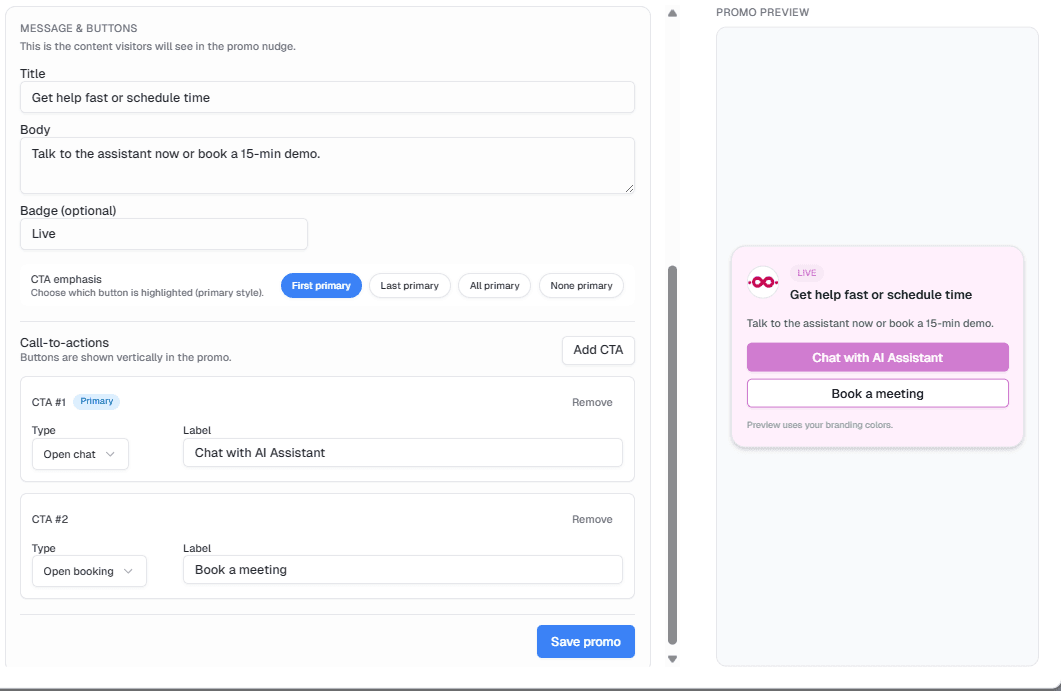
Different CTAs on each page.
Show the right nudge at the right time: pricing gets “Book a meeting”, docs get “Chat with AI”, product gets “Request a demo”.
Consent UX without killing conversion.
Let users accept/reject, show privacy URLs, and adapt the assistant behavior depending on consent requirements.
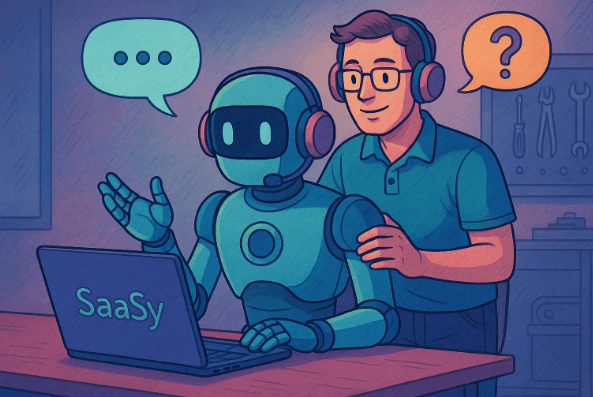
Know when to answer — and when to bring sales in.
Define simple rules: when the assistant answers, when it asks 1–2 qualification questions, and when it hands off to scheduling or a human.